
How to add a countdown timer to Shopify without a popup
Three ways to add a countdown timer to a Shopify store, how to keep the deadline real, and one that never covers the page.
6 min read · Updated Oct 2, 2026
Guide
Black Friday is Friday, November 27, 2026, and Cyber Monday is Monday, November 30. Work down this list from mid-October and the weekend itself is mostly watching.
Tick items as you go. Your ticks stay in this browser, so you can come back to the list.
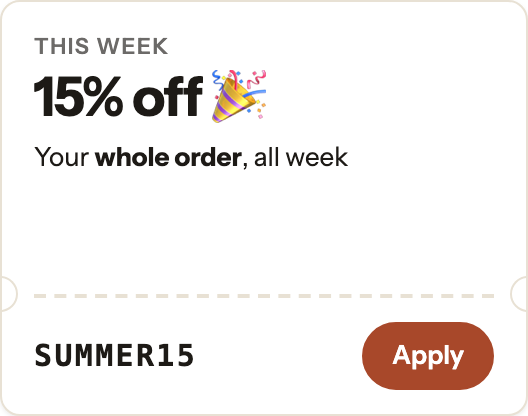
With PromoDrawer: put the sale, the code and a countdown in one drawer that opens when a shopper taps its button. A discount code card can apply the code to the cart in one tap (Basic and Pro).
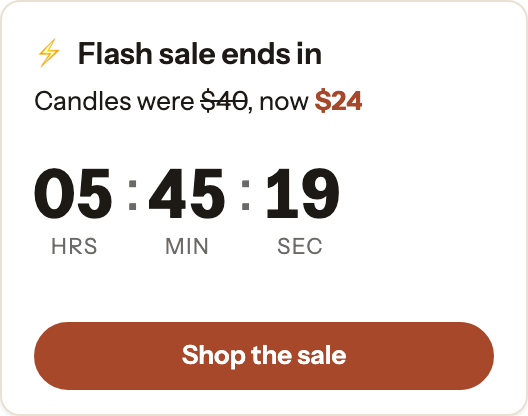
With PromoDrawer: give the drawer a start and end date, and a countdown card counts down to the end of that schedule (Basic and Pro). Targeting and scheduling
With PromoDrawer: an Email signup card adds subscribers to your Shopify customers, and can show a code on its thank-you message (Pro).
With PromoDrawer: a Free shipping card shows the shopper’s progress toward the goal, updated as they add to the cart (Basic and Pro).
With PromoDrawer: target drawers to page types, URLs or devices. Only one shows per page, the highest in your list that fits (Basic and Pro).
With PromoDrawer: build the Cyber Monday drawer ahead of time, schedule it for November 30 and put it above the Black Friday one in your list (Basic and Pro).
With PromoDrawer: analytics show views, opens, clicks and orders after a click for each drawer and card. Analytics
Three ways to add a countdown timer to a Shopify store, how to keep the deadline real, and one that never covers the page.
6 min read · Updated Oct 2, 2026
Shareable discount links, automatic discounts, or an Apply button on the page: three ways to get a discount onto the cart without typing a code.
6 min read · Updated Oct 2, 2026
Free to start. No code to install. A 30-day free trial on Basic and Pro.